Gameplay
Squad Select
by The AshForge Team · v1.3.1
⬇ New
16 KB
Summary
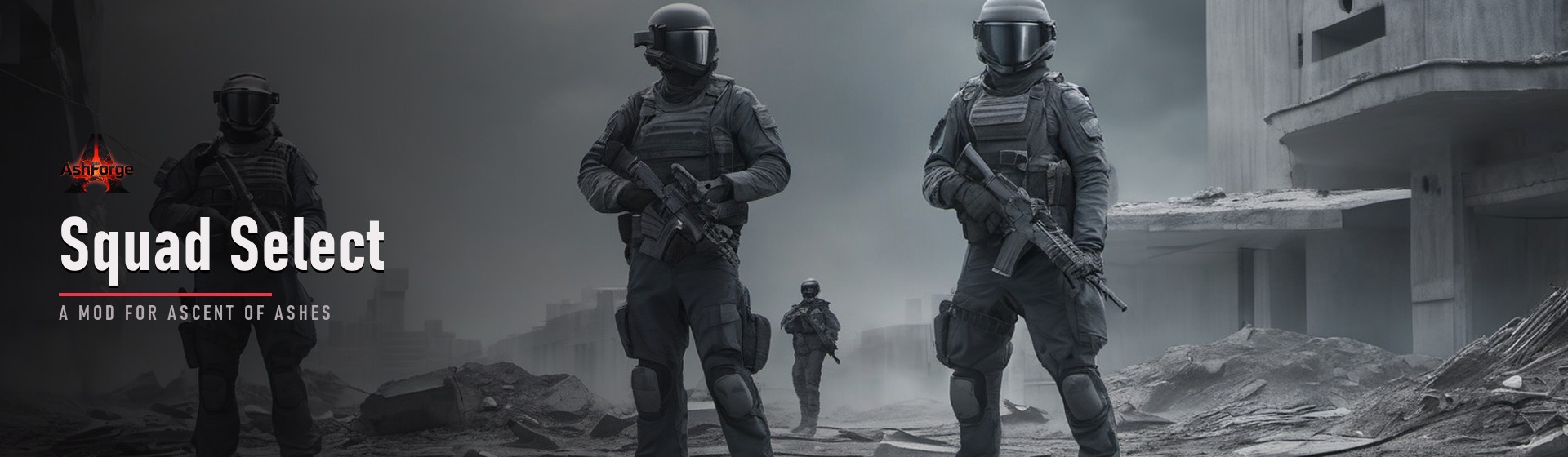
Squad control for Ascent of Ashes, the way an RTS lets you. Grab your whole group with a drag-box or Ctrl+A, draft them with G, and move or attack as one — and with the new AI stance, drafted pawns hold the line and fire on their own.
Details
Controls:
• Ctrl+A selects every player pawn; click-drag box-selects; Shift+click adds to the selection.
• G drafts / undrafts the whole selected squad.
• Right-click the ground = formation move; right-click a hostile = the squad attacks it.
• Alt+right-click any creature = force the squad to attack it (e.g. hunting).
• Neutral animals and items keep their normal right-click menu.
• V cycles the squad AI stance (shown top-left):
– Defensive: hold position and auto-fire at anything in range.
– Aggressive: advance on and focus-fire the nearest threat (gunners shoot, never charge into melee).
– Neutral: fully manual.
Out-of-ammo gunners grab ground ammo; badly wounded pawns fall back.
Requires the AshForge Mod Loader — enable it from the AshForge Hub.
Changelog ▾
v1.3.1July 12, 2026
- FixedThe previous release would not load at all unless your AshForge Hub was fully up to date — including on Linux, where the current Hub is a version behind. It now runs on any recent Hub: if your Hub is too old to offer the in-game settings screen, the mod simply uses its default settings instead of failing.
v1.3.0July 12, 2026
- AddedSettings, under ESC ▸ Mod Settings: the drag-box and Ctrl+A can each be switched off on their own, so you can keep the parts you like without uninstalling the mod. Requires AshForge Tools.
v1.2.1July 11, 2026
- FixedHardened against an outdated mod loader — Squad Select stays fully functional even if the loader hasn't caught up yet.
v1.2.0July 11, 2026
- NewBroker integration: Squad Select now reacts to cross-mod raid telegraphs through the World-State Broker. With AshForge Raiders installed, an incoming-raid telegraph can rally your drafted squad to a saved garrison point and hold Defensive.
- ImprovedRequires the current AshForge Mod Loader (World-State Broker).
v1.1.0June 13, 2026
- NewSquad AI stance (press V): Defensive holds and auto-fires, Aggressive advances and focus-fires, Neutral is fully manual.
- NewOut-of-ammo gunners fetch nearby ground ammo and reload; badly wounded pawns fall back.
- FixedAggressive no longer sends riflemen into melee — they path into range and shoot.
- FixedSquad orders no longer interrupt a pawn mid pickup / equip / reload.
v1.0.1June 12, 2026
- FixedSingle-pawn move, pick-up and menu orders work again after issuing a squad command.
- FixedUndrafting (G) returns pawns to normal work instead of leaving them stuck.
v1.0.0June 12, 2026
- NewInitial release: drag-box select, Ctrl+A select-all, Shift+click add.
- NewSquad draft on G; formation move; group attack on hostiles; Alt+right-click force-attack.
- NewNeutral animals and items keep their normal context menu.